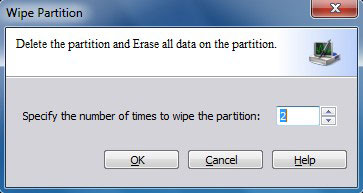
How to wipe partition
Wipe Feature can erase the data on entire disk or single partition completely and ensure that the data can not be recovered by any data recovery solution. This function can prevent undesired recovery of your deleted data.
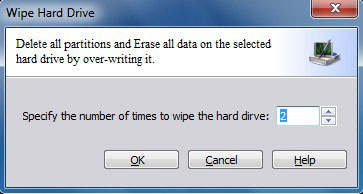
Wipe Disk: Select Disk 1 or any other disk on disk map area, click "Disk" > "Wipe Hard Drive" under menu bar.
Wipe Partition: Right-click a Partition and select "Wipe".