How to check File System integrity
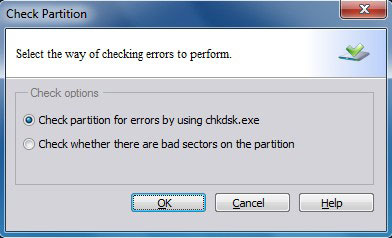
If you would like to check and recover file system to ensure the integrity of your files, you can use the Check Partition function.
To start this function: right-click this partition and click "Advanced" > "Check Partition".
Note: This function can only be used when the selected partition has a drive letter. For the partitions without drive letters, you should first label them with a drive letter and then use this function.
This operation will not be added to pending operations. Once you click start, Partition Assistant will check the selected partitions immediately.